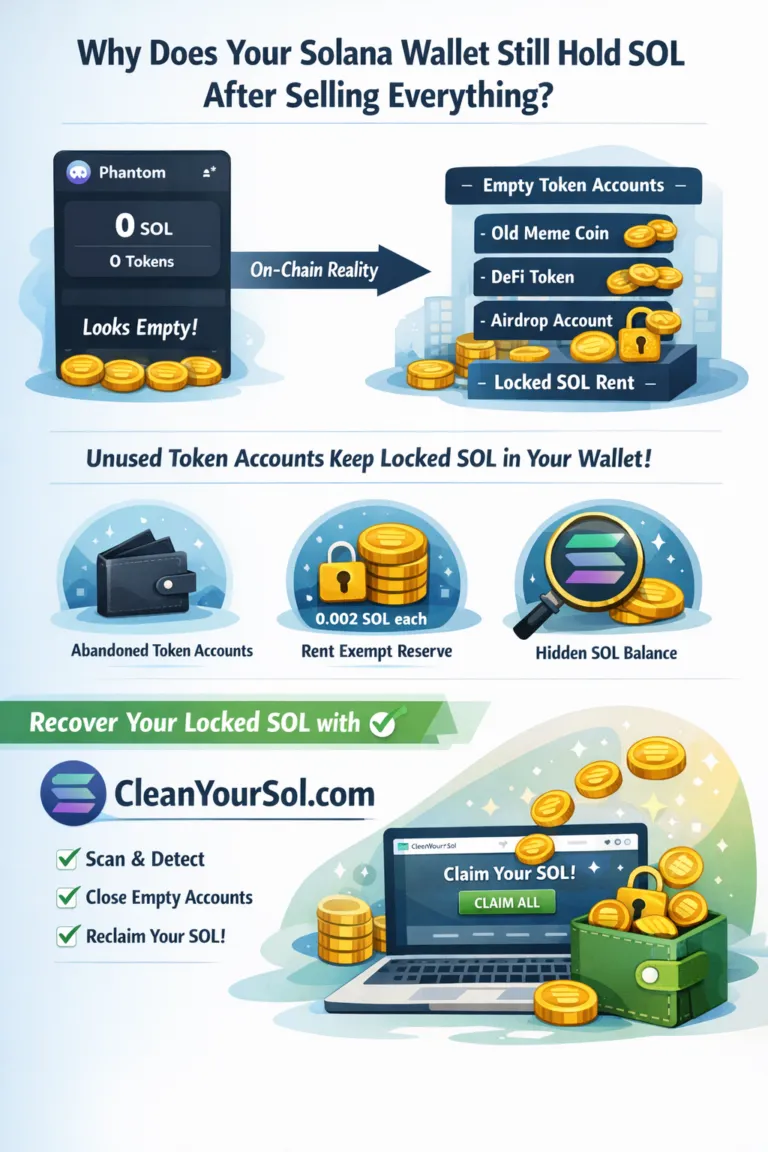
Over time, many Solana users unknowingly lose track of small amounts of SOL inside their wallets.
Not because of hacks or fees — but because of unused token accounts quietly holding SOL rent.
If you have ever traded on Solana, there is a good chance your wallet contains hidden SOL that can be refunded.
This guide explains how that happens and how CleanYourSol.com helps you clean up your wallet safely.
Don't miss out
The Silent SOL Leak Most Users Miss
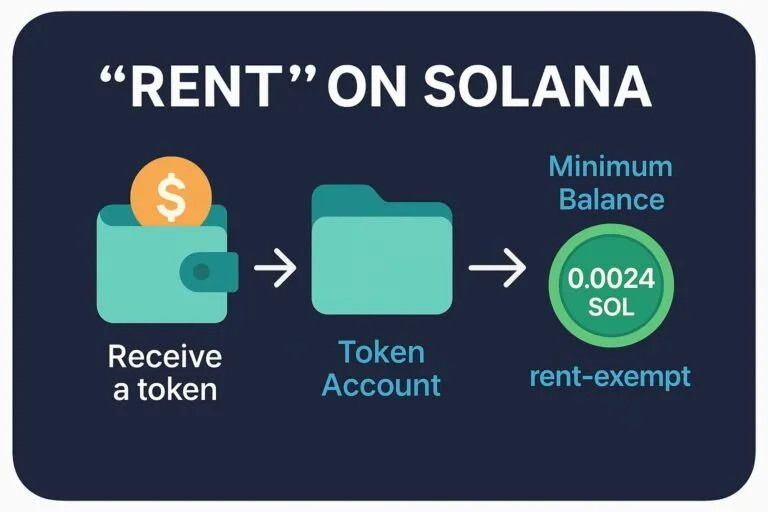
Solana uses a rent-based system for accounts.
Every time you:
Buy a token
Receive an airdrop
Interact with a new SPL token
➡️ A token account is created in your wallet
➡️ A small amount of SOL is locked as rent
When the token balance becomes zero, the account does not disappear.
Instead:
The token account stays open
The SOL rent remains locked
Most wallets no longer show it clearly
This creates what many call “invisible SOL”.
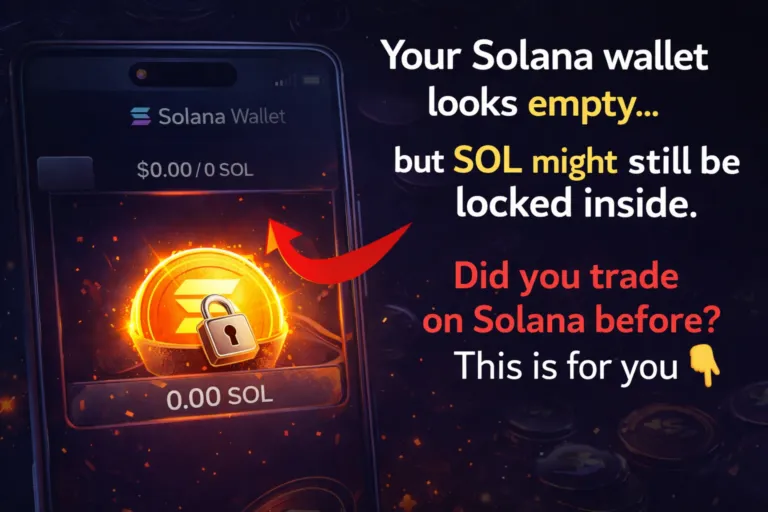
Why Wallets Look Empty but Are Not
Wallet apps usually display:
SOL balance
Active tokens
NFTs
They do not show:
Closed-use token accounts
Empty SPL accounts
Rent still locked inside them
So even if your wallet looks clean, the blockchain may still store:
Old token accounts
Zero-balance accounts
Refundable SOL rent
What Is Solana Wallet Cleanup?
Wallet cleanup means:
Identifying empty token accounts
Closing accounts that are no longer needed
Refunding the locked SOL rent back to your wallet
This is a normal on-chain process supported by Solana itself — but not automated for users.
That’s where CleanYourSol comes in.
CleanYourSol.com: Refund SOL the Simple Way
🔗 Official site:
👉 https://cleanyoursol.com
CleanYourSol is a Solana wallet cleanup tool that:
Scans your wallet for empty token accounts
Calculates refundable SOL
Allows you to close them safely
Sends SOL directly back to your wallet
No deposits.
No approvals.
No third-party custody.
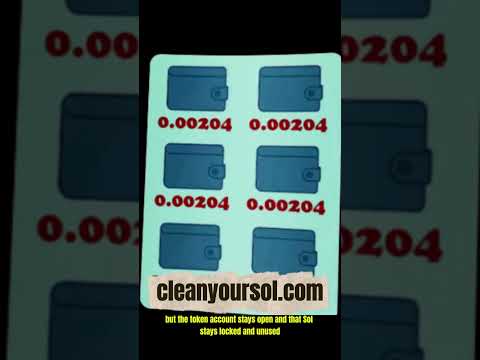
🎥 Video: Solana Wallet Cleanup in Action
This video helps users visually understand:
Where hidden SOL comes from
How empty token accounts are detected
How the refund is processed on-chain
Step-by-Step: How to Refund SOL Rent
Visit CleanYourSol.com
Connect your Solana wallet
Run a wallet scan
Review empty token accounts
Click Claim / Refund SOL
Receive SOL instantly
The more tokens you traded in the past, the more SOL you may recover.
Is This a Solana Fee Refund?
Yes — but not in the traditional sense.
This is not:
A gas fee refund
A transaction rebate
A promotion
It is a rent refund for accounts you no longer use.
You are simply reclaiming SOL that was temporarily locked, not spent.
Who Benefits the Most?
CleanYourSol is most useful for:
DeFi traders
Meme coin traders
Airdrop hunters
NFT flippers
Old or abandoned wallets
If you have never traded tokens, your wallet may show nothing to clean, which is expected.
SEO Keywords Covered in This Article
This article targets additional long-tail and semantic keywords such as:
solana wallet cleanup
hidden sol in wallet
solana rent refund
refund solana rent fee
close solana token accounts
solana wallet scan tool
solana empty spl accounts
solana refund unused sol
Final Note
Solana is fast and efficient, but its account model leaves many users with forgotten SOL.
Before assuming your wallet is empty, it’s worth running a cleanup once.
👉 Visit https://cleanyoursol.com
Clean your wallet. Refund your SOL.